



Workplace digital signage for frontline teams
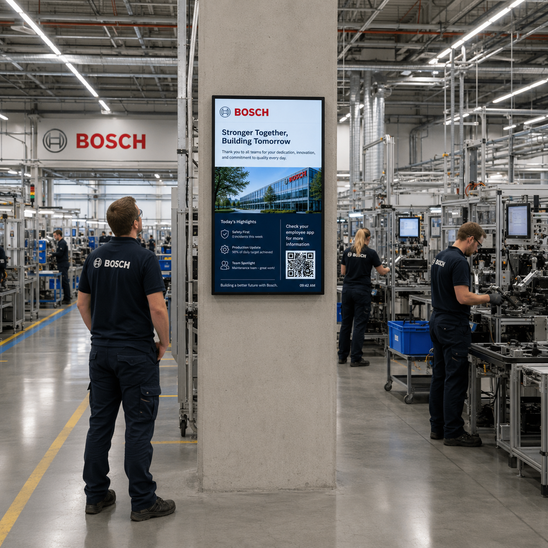
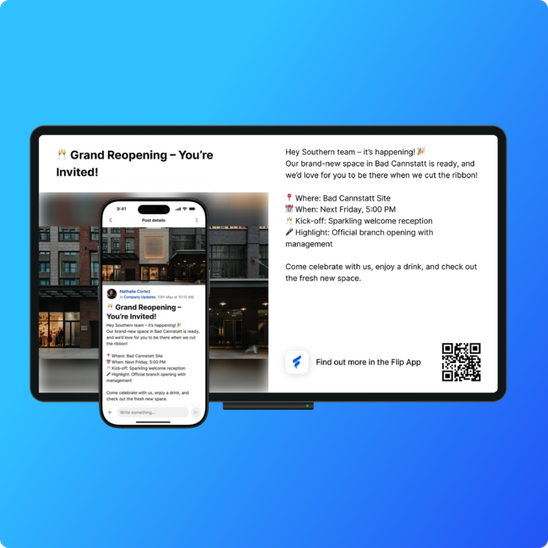
Digital signage is a Flip feature that mirrors the news and content you already publish in the app onto physical screens across your sites, on the factory floor, in break rooms and cafeterias, so important information gets seen even when someone does not have their phone in hand. Each screen can show a QR code that links straight back to the app. Unlike standalone signage software, Flip's workplace digital signage draws from content you have already posted, so there is no separate system to design and maintain.


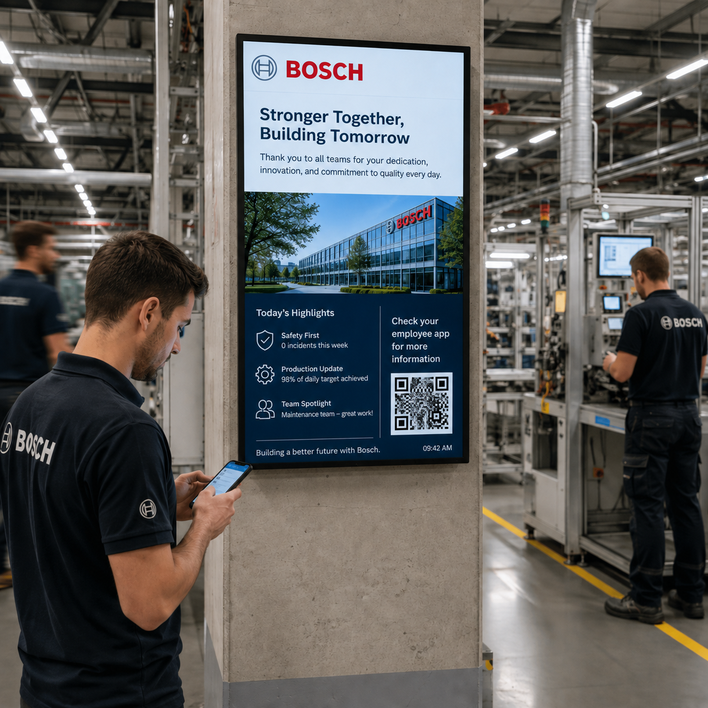 AI Generated
 Trusted by leading frontline organizations worldwide







The problem
Not everyone is looking at their phone at the same moment
Even the best employee app cannot reach someone whose phone is in a locker during a shift. On a factory floor, in a kitchen, or on a loading dock, the screen on the wall is often the fastest way to put a message in front of a whole team at once. The problem with most signage is that it lives in a separate system, so someone has to design and update it by hand. Flip's digital signage removes that duplicate work by drawing straight from the content you already publish.
 AI Generated
 How Flip's workplace digital signage works
Publish once, show everywhere. Post to a channel as you normally would, and Flip mirrors your top content to the screens you choose.
Target screens like you target channels. Send different content to different locations, so the canteen in one site and the loading bay in another each show what is relevant to that team.
Bridge the screen to the app with QR codes. Every screen can display a QR code that links back to Flip, so an employee who sees something on the wall can open it, react, and get the full detail on their own phone.
Keep it current automatically. When the underlying post changes or expires, the screen updates too, so nothing stale stays on display.



What you can put on screen
Content | Example |
|---|---|
Company and site news | Announcements, results, and leadership updates on the break-room screen |
Safety and compliance | Current safety notices and reminders above the shop floor |
Operational updates | Shift information, targets, and process changes at the point of work |
Recognition and culture | Team wins, new joiners, and milestones in shared spaces |
Events and reminders | Town halls, training dates, and deadlines in high-traffic areas |
QR code to the app | A scannable link that turns any screen into an on-ramp to Flip |
Where digital signage earns its place
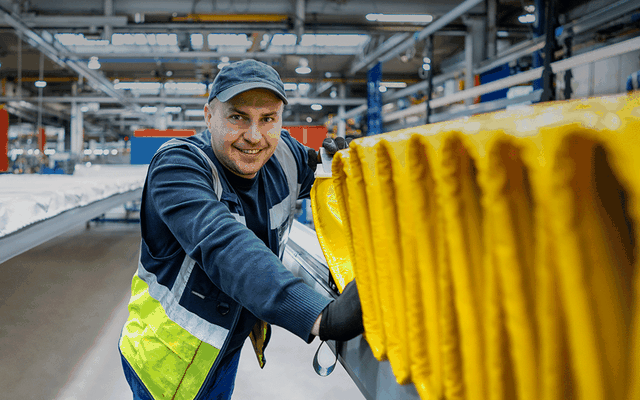
Manufacturing
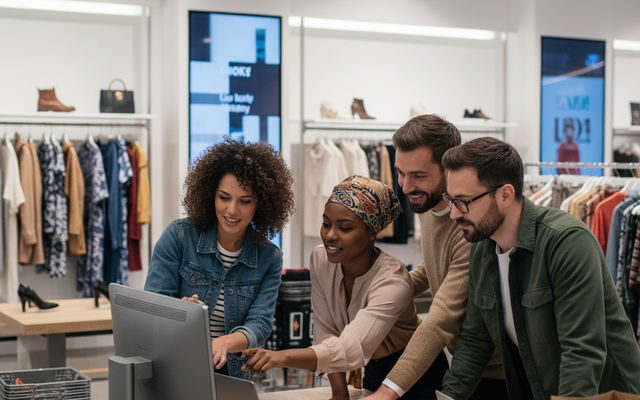
Retail
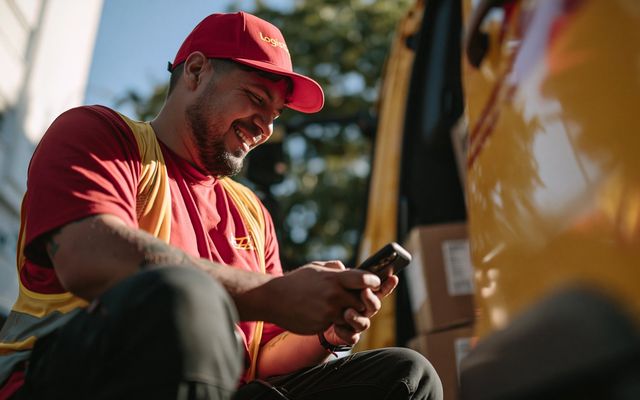
Logistics
Healthcare
FAQ
Frequently asked questions about digital signage
Digital signage is a Flip feature that displays the news and content you publish in the app on physical screens across your sites, such as factory floors, break rooms and cafeterias. It mirrors existing Flip content rather than requiring a separate signage system, which is why it counts as workplace digital signage rather than a standalone display network.
No. You publish to a channel in Flip as usual, and Flip mirrors your chosen content to the screens. There is no duplicate design or upload step, and screens update automatically when the post changes.
Standalone digital signage software is a separate system that someone has to design, fill and maintain by hand. Flip's digital signage draws straight from the channels you already publish to, so the same post reaches both phones and screens with no duplicate work, and every screen carries a QR code back to the app.
Yes. You target screens the same way you target channels, so each site or area shows the content that is relevant to the team there.
The screen itself reaches anyone in the room, and a QR code on the screen links back to Flip, so employees can scan to open the full content, react, and stay informed on their own device.
Flip is designed to put content on the screens you already have in shared spaces, so you can reach teams in cafeterias, on shop floors, in warehouses and in break rooms without new employee hardware.
Yes. Digital signage runs on the Flip platform, which is ISO 27001-certified, SOC 2 compliant and GDPR-compliant.
Put the message where the team already looks
See how Flip is the only employee communication app that brings every solution to the same place.
🔒 Enterprise-grade security: ISO 27001-certified, SOC 2 and GDPR-compliant, end-to-end encryption
🔐 Data privacy: no access to private smartphone data
🖥️ No duplicate work: screens mirror the content you already publish in Flip
🚀 No new hardware required: use the screens you already have in shared spaces