







Loading...

Forward 2026: What Flip's Conference Revealed About the Future of Frontline Work

Learn more

Reach every employee. Get them to actually engage.

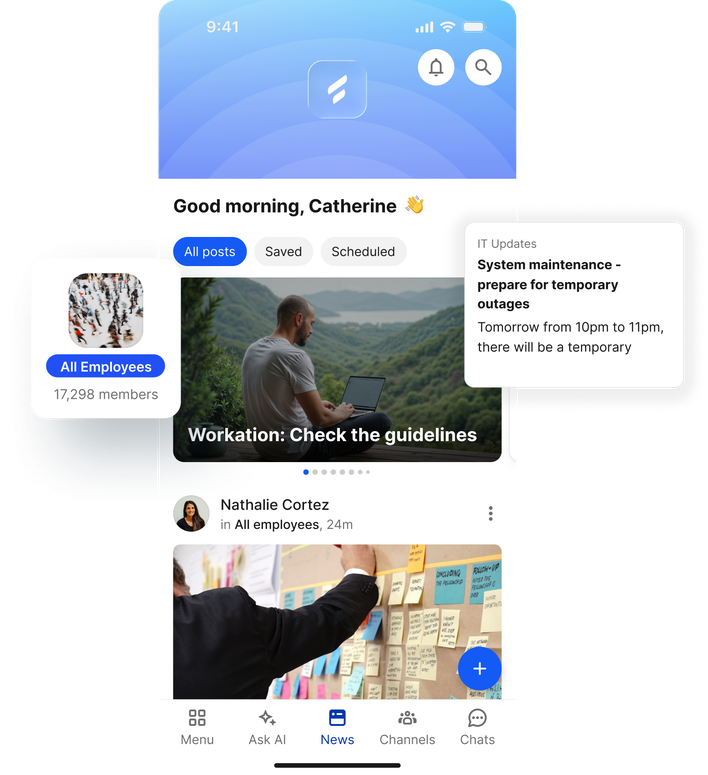
Channels route each message to exactly the right regions, roles, and sites, and the News Feed delivers it as a personalised stream every employee opens like a social app. There is no company email, no shared screen, and no manager passing along a printout, so reach extends to the deskless majority of your workforce. It is two-way by design, with comments, reactions, and polls, which is what finally drives adoption beyond HQ.

News feed interface for employee communication, showing posts and system updates.

Trusted by leading frontline organisations worldwide

Most of your workforce doesn't sit at a desk. They're spread across sites and shifts, and the tools built for HQ simply don't reach them. So critical news travels by paper memo, WhatsApp group, or word of mouth.

The solution

One feed. The whole frontline. Two-way.

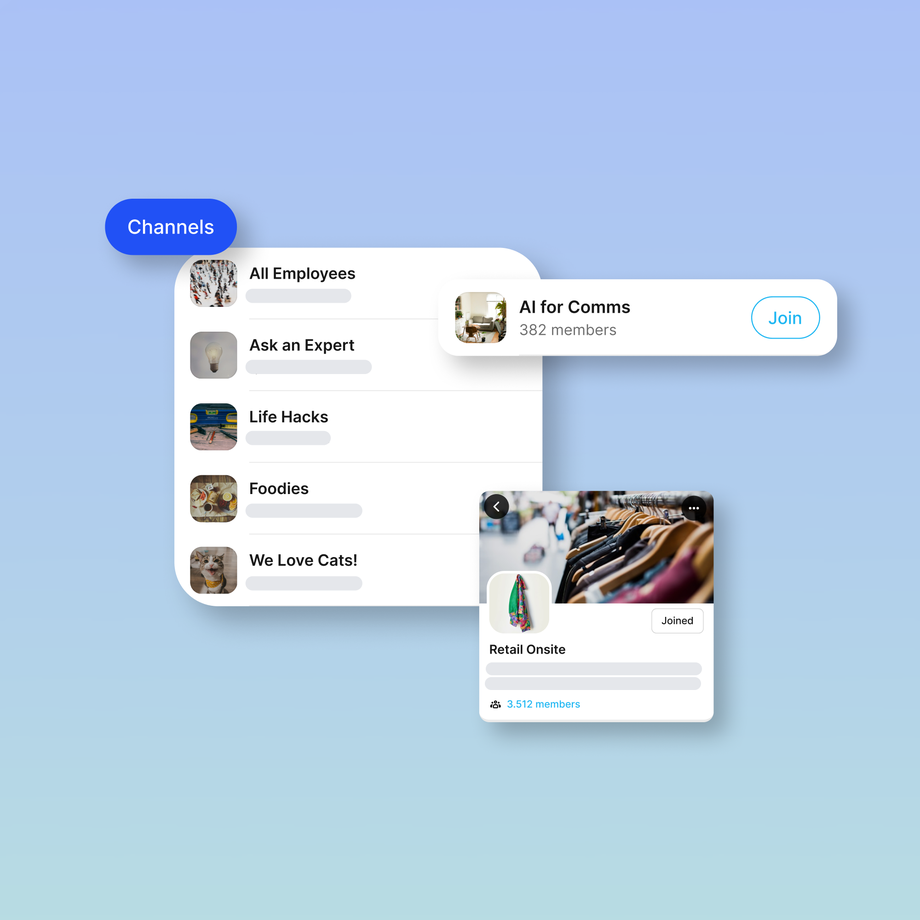
News Feed and Channels are the heart of Flip's frontline home. Channels route content to exactly the right regions, roles, and groups. News Feed delivers it as a personalized stream every employee actually opens.

Interface showing various communication channels with join buttons.

Channels

Reach the right people in a second

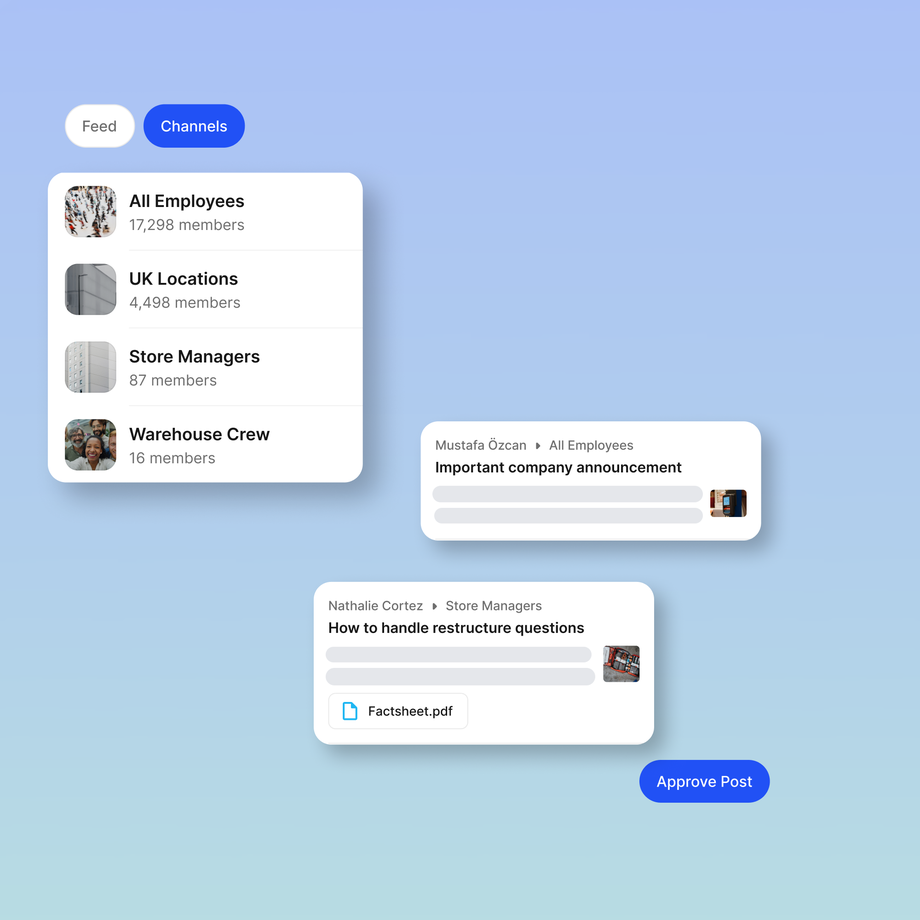
Channels send content to specific regions, roles, sites, and groups, so people get what's relevant to them and nothing they don't. The right info, the right people, instantly. Even better, you can publish one post to multiple Channels at once - helping to increase post visibility while saving you precious time.
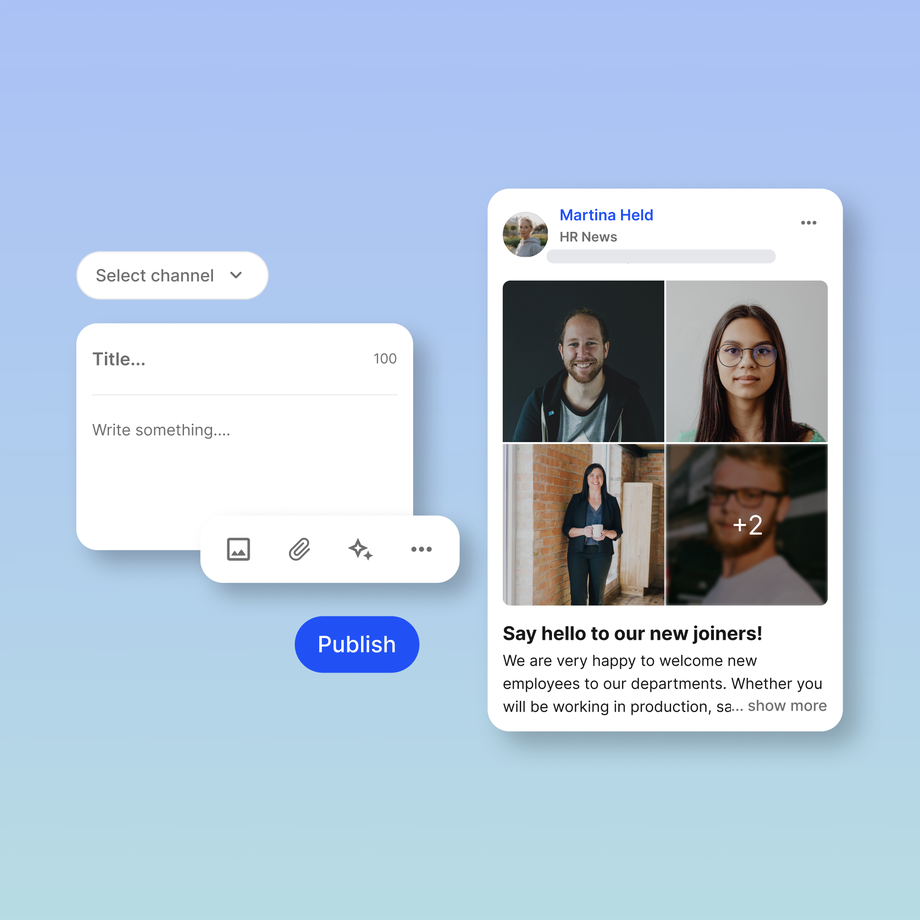
UI showing a news post draft and employee welcome message.

Content Creation

Create content they'll actually read, faster, with AI.

Pick a channel and start writing. Formatting, images, emojis, and built-in AI assistance mean anyone — from corporate comms to a store manager — can produce posts people genuinely want to open.

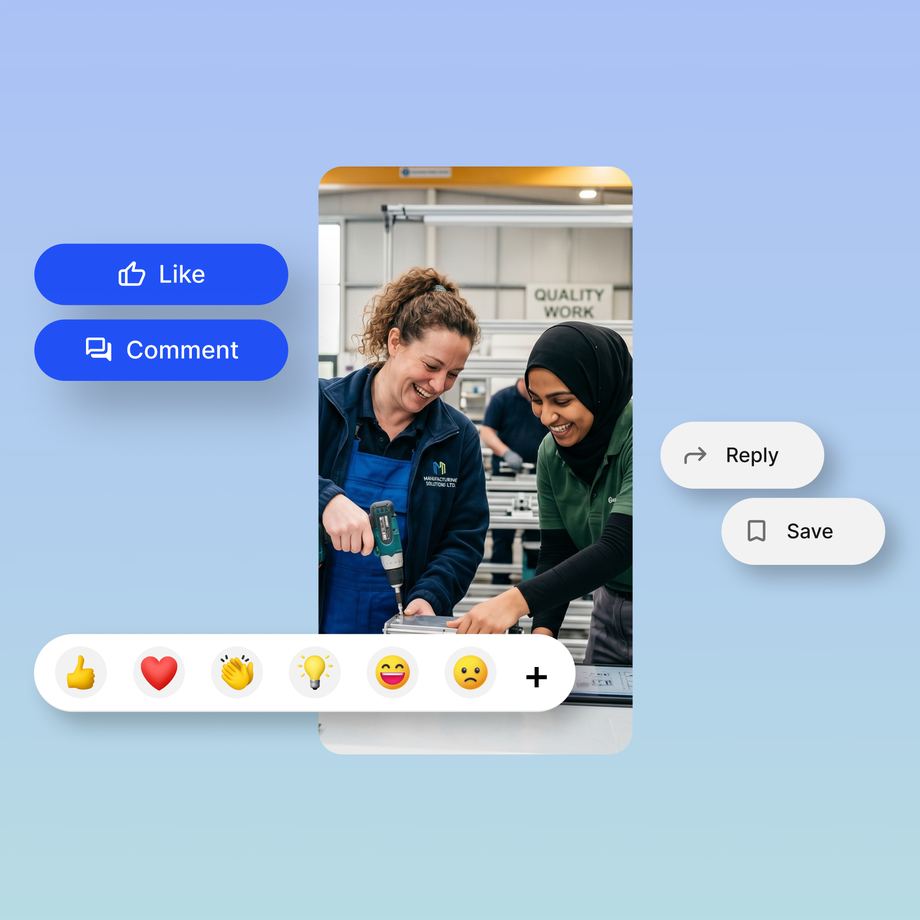
Two workers collaborate with a drill, technology icons overlay.

Community

Turn an audience into a community.

Comments, reactions, GIFs, and polls turn one-way announcements into conversations — the same way teams already engage with social apps, which is what finally drives adoption beyond HQ.

UI showing channels: All Employees, UK Locations, Store Managers, Warehouse Crew.

Admin Roles

Stay in control of the narrative.

Post approval, post-on-behalf, and channel admin roles keep a safe, on-brand environment while still encouraging employees to create and share. Senior leaders stay visible even when they're busy; nothing goes live that shouldn't.

Feature highlights

Feature

What it does

Live Translation

Every employee reads and writes in their own language with one-tap translation from a leading machine translation engine

Instant Polls

Pulse-check sentiment in real time: pick a question and options, post to a channel, and watch results, reactions, and comments land live

Comments, Reactions & GIFs

Give people the expressive, familiar ways to respond that they know from social media

Post approval & admin roles

Keep content safe and on-brand with approval flows, post-on-behalf, and channel admins

SharePoint sync

Post news to SharePoint and sync it to your chosen Flip channel, so frontline employees see it too, with no extra effort or licences

Digital Signage

Sync top content to screens on factory floors, in canteens, and break rooms, with QR codes linking back to the app

Jira

Turn a Flip post into a support ticket and sync its status automatically, so employees get help faster and service teams manage requests more efficiently

Sync content across systems

Sharepoint Intranet

Share news with everyone, without extra effort (or licences). Post news to Sharepoint and sync it to your chosen Flip channel, so frontline employees see it too.

Digital Signage

Get important news seen no matter the screen. Sync top content to screens on factory floors, canteens, and break rooms, and display QR codes linking back to the app.

Jira

Turn a Flip post into a support ticket and sync its status automatically. Employees get the support they need quicker and service teams manage requests more efficiently.

Ready to engage every employee?

Tell us your goals, get your questions answered, and receive expert guidance on a 30 minute call. Book a demo.

ISO 27001 Certified badge, Information Security Management, blue and gray circular logo. AICPA SOC logo, blue circle, text: AICPA SOC aicpa.org/soc4so SOC for Service Organizations. Badge: Leading Product, ClearBox Choice 2026. ClearBox Choice 2026 AI Innovator badge
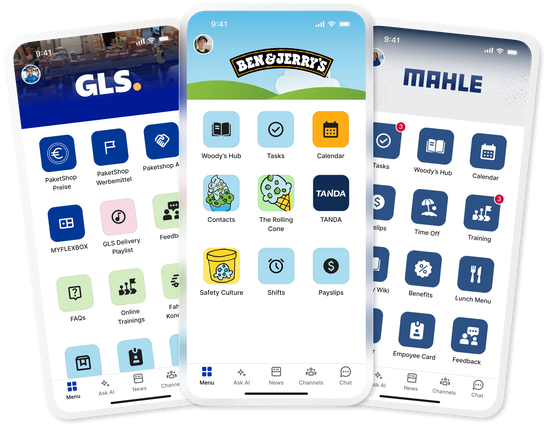
User interfaces of GLS, Ben & Jerrys, and MAHLE B2B-SaaS apps.

FAQs

What are News Feed and Channels in Flip?

News Feed and Channels are how Flip delivers company communication to frontline teams. Channels route posts to specific regions, roles, sites, and groups, and the News Feed presents each employee with a personalised stream they open like a social app. Together they let you reach the whole workforce, including employees without a corporate email or PC.

How do employees see posts if they have no company email?

Employees open the Flip app on their own smartphone and see a personalised feed of the channels relevant to them. Nothing depends on email, a shared screen, or a manager passing along a printout, which is how Flip reaches the deskless majority of a workforce.

Can I target a post to specific teams or locations?

Yes. Channels let you send content to specific regions, roles, sites, and groups, so people receive what is relevant to them and nothing that is not.

Is company communication in Flip two-way?

Yes. Comments, reactions, GIFs, and polls turn announcements into conversations, so communication is not one-directional. That interaction is what drives adoption well beyond headquarters.

How do you keep content on-brand and controlled?

Post approval, post-on-behalf, and channel admin roles keep a safe, on-brand environment. Leaders stay visible even when busy, and nothing goes live that should not.

Can Flip connect to SharePoint, digital signage, or Jira?

Yes. You can sync SharePoint news into a Flip channel, push top content to on-site screens with digital signage, and turn a Flip post into a Jira ticket with automatic status sync.