








Loading...

Forward 2026: What Flip's Conference Revealed About the Future of Frontline Work

Learn more

Tasks

Task management for frontline teams

Taks lets managers assign to-dos to one person or a whole group, add photos, videos, and files, set deadlines, and track progress in real time from any smartphone. Everyone sees exactly what needs doing and by when, so nothing gets lost on a paper list.

Tasks and to-dos do not belong on flimsy paper lists, especially in frontline work. Assign, manage, and track tasks in one central place so the important things get done right, and on time.

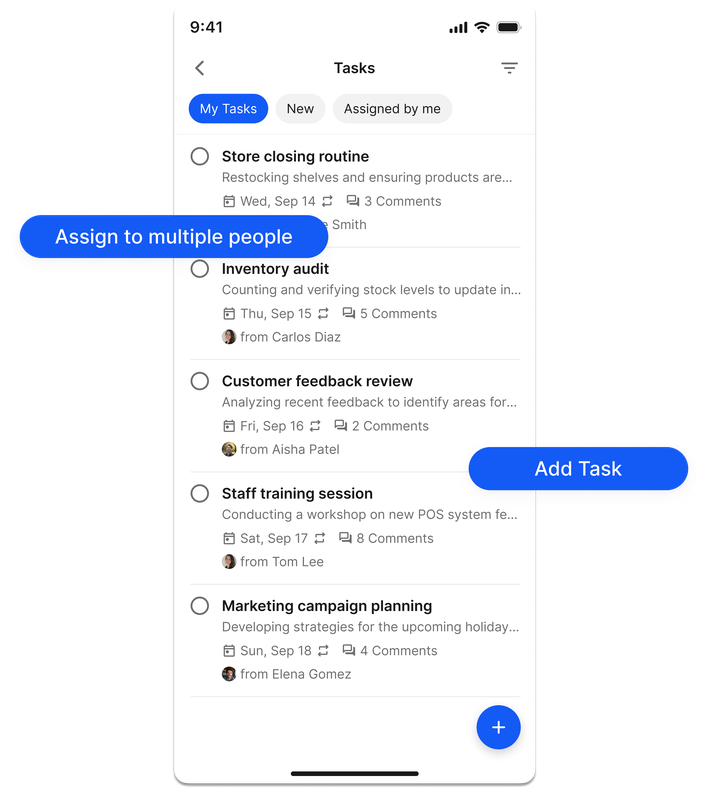
UI of a task app showing various tasks like Store closing routine and options to assign or add tasks.

Trusted by leading frontline organisations worldwide

Why paper lists and group chats fail frontline team

Frontline work moves fast, and instructions on paper or in a group chat get lost. Managing tasks in one shared, mobile place makes every to-do visible, assigns clear ownership, and gives employees the context they need to finish the job right. In Flip, that lives alongside everything else your teams use.

Transparent icon of a checklist and magnifying glass symbolizing task management and clarity.

Transparency & tracking

It is hard to do well when it is unclear what needs doing. Give employees easy to follow instructions about what to do and when, plus a way to ask questions. Employees see every task assigned to them, while managers track team progress at a glance.

Minimalist icon with two rectangles and a magnifying glass with a plus sign, black on white.

All work, no chore

Distributing tasks should lighten the load, not add to it. Managers get one central place to create, communicate, and oversee what their teams need to complete, so they can get back to work that adds value.

Simple black calendar icon with check marks and an X, representing planning or scheduling.

Better, fairer planning

More visibility over to-dos makes it easier to spot which tasks tend to stall, which are at risk, and which employees are overloaded. With those insights, managers plan time, resources, and training more effectively and plug the productivity drain.

The solution

What can you do with Flip Tasks?

Turn to-dos into have-dones with one place to see and assign tasks, resolve questions, manage deadlines, and track progress. From completing safety training to setting up in store displays, no task is too big or too small.

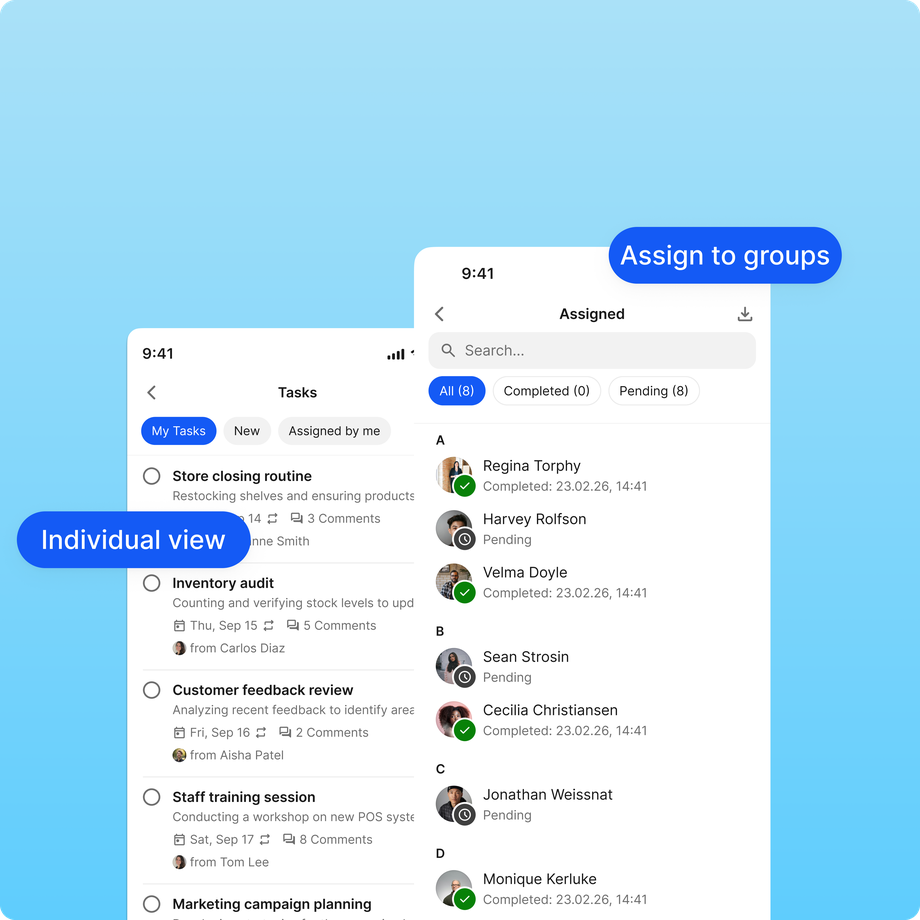
UI of a tasks app showing individual and group task views on mobile.

Assign tasks to individuals or groups.

Regional managers, store owners, or frontline staff can create tasks for themselves or others. Type a name and description, set a due date, attach any media, and assign it to the right people.

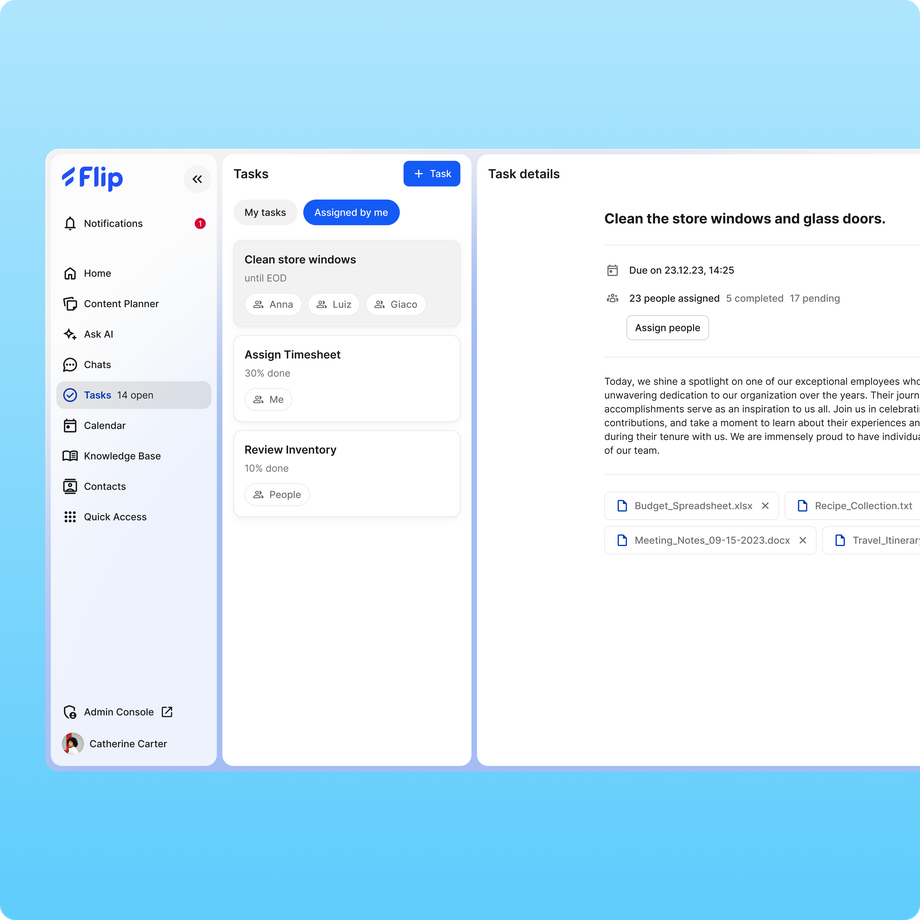
Flip UI showing task assignments and details for frontline employees.

Add photos, videos, and files.

Text is not always the clearest way to explain a job. Add photos, videos, links, and other file types to a task, ideal for complex work or handing over a project in progress.

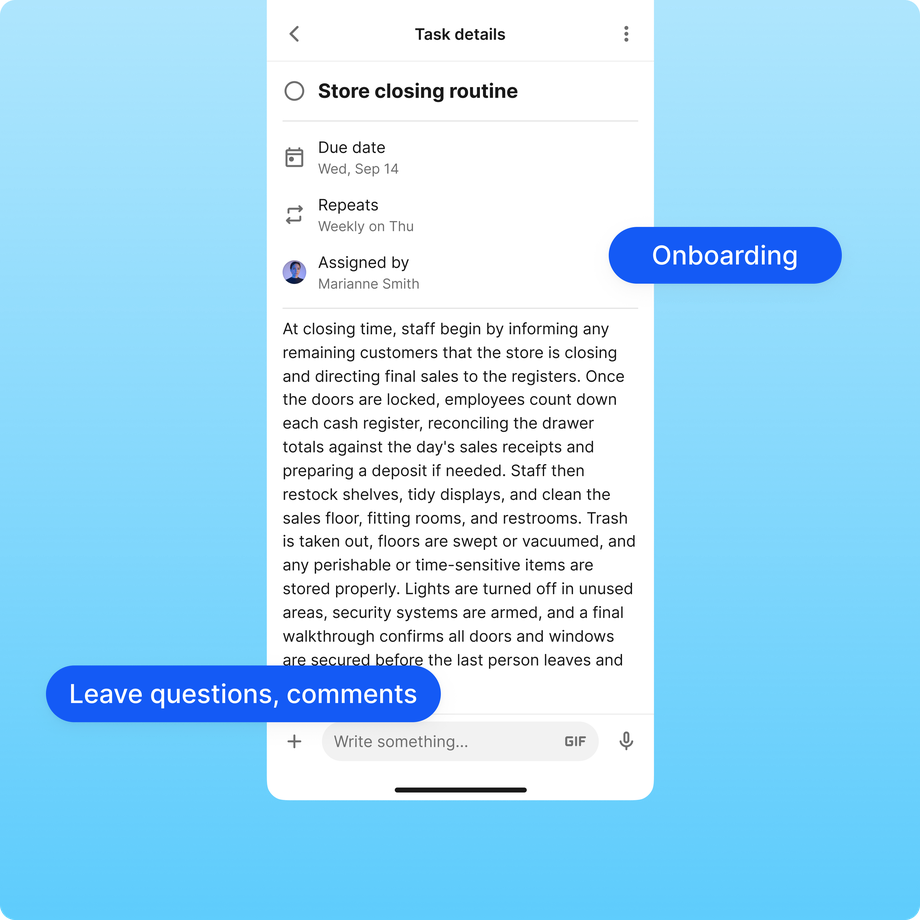
Task details for Store closing routine with instructions and comments section.

Speed up onboarding.

With its simple, intuitive interface, Tasks is a clear way to onboard new employees. Skip the paperwork and guide them step by step through their first days in Flip. See how Flip supports training and onboarding.

EDEKA
'In everyday life, small things quickly get lost. But in the employee app, you can keep track of them quickly and flexibly.'
Michaela Heuser
Store Manager

Ready to become a productivity powerhouse?

Tell us your goals, get your questions answered, and receive expert guidance on a 30 minute call. Book a demo.

ISO 27001 Certified badge, Information Security Management, blue and gray circular logo. AICPA SOC logo, blue circle, text: AICPA SOC aicpa.org/soc4so SOC for Service Organizations. Badge: Leading Product, ClearBox Choice 2026. ClearBox Choice 2026 AI Innovator badge
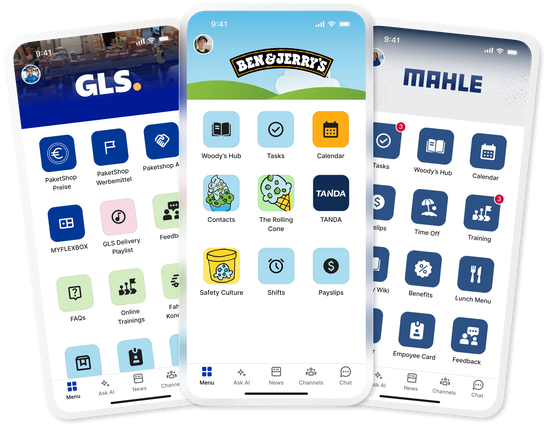
User interfaces of GLS, Ben & Jerrys, and MAHLE B2B-SaaS apps.

FAQs

What is frontline task management in Flip?

Frontline task management is the practice of assigning, tracking, and completing work among employees who do not sit at a desk. In Flip, it is a feature of the frontline employee experience platform: managers assign to-dos, set deadlines, attach files, and track progress, all in the same app frontline teams in retail, manufacturing, logistics, and healthcare already use for communication and daily work.

How do employees receive and complete tasks in Flip?

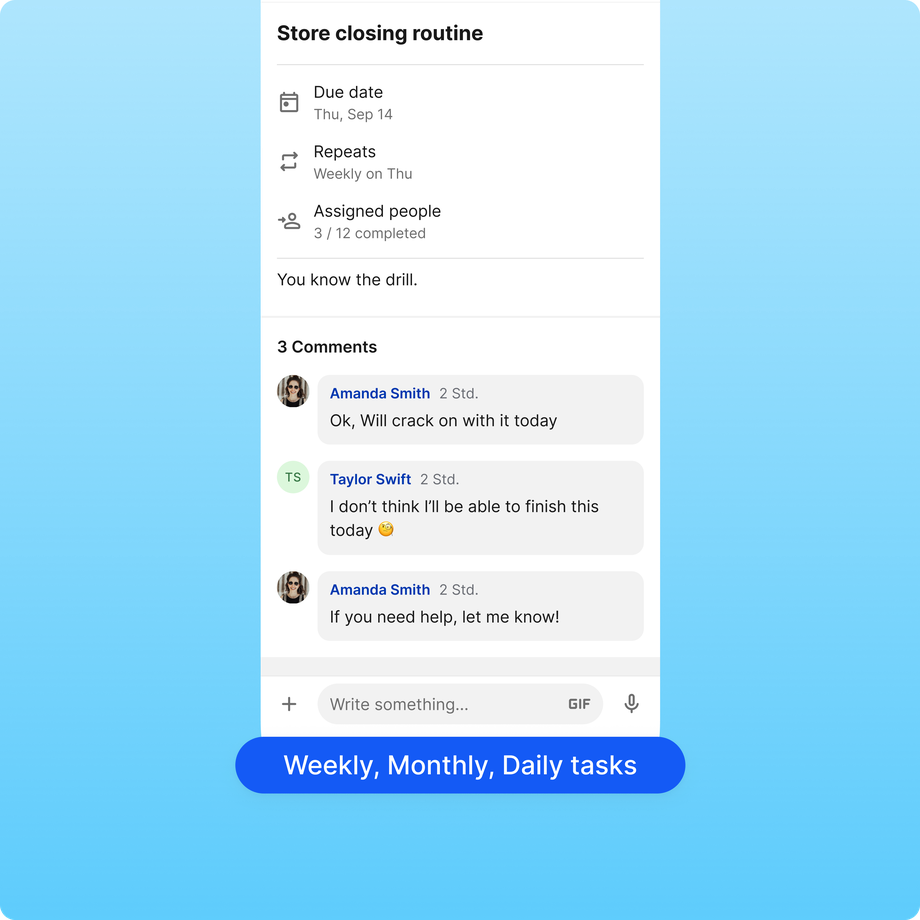
Employees see every task assigned to them in the Flip app on their own smartphone. Each task carries a description, a due date, and any attached photos, videos, or files, and employees can ask questions in the comments and mark the task complete when it is done.

Can managers track task progress across a team?

Yes. Managers assign tasks to individuals or groups and track progress in real time, so they can see what is on schedule, what is at risk, and which employees are overloaded, then plan resources accordingly.

Do employees need a corporate email or a PC to use Flip Tasks?

No. Flip is built for frontline workers who have no corporate email or desk. Employees activate a secure account and manage their tasks entirely from their smartphone.

Can I attach instructions, photos, or documents to a task?

Yes. Every task supports photos, videos, links, and other file types, which makes it straightforward to explain complex jobs or hand over work that is already in progress.

Is Flip secure enough for enterprise use?

Yes. Flip is certified to SOC 2 and ISO 27001 and is GDPR compliant, with role based permissions, full admin control, and data privacy by design.