A Day in the Life
Experience how Flip empowers different roles across your organization—from communications to HR to operations.
Choose Your Persona
Meet Jen
Leading company communications, Jen uses Flip to create, collaborate, and connect with employees across the organization.

Content Studio
Create and edit content
Arriving at HQ
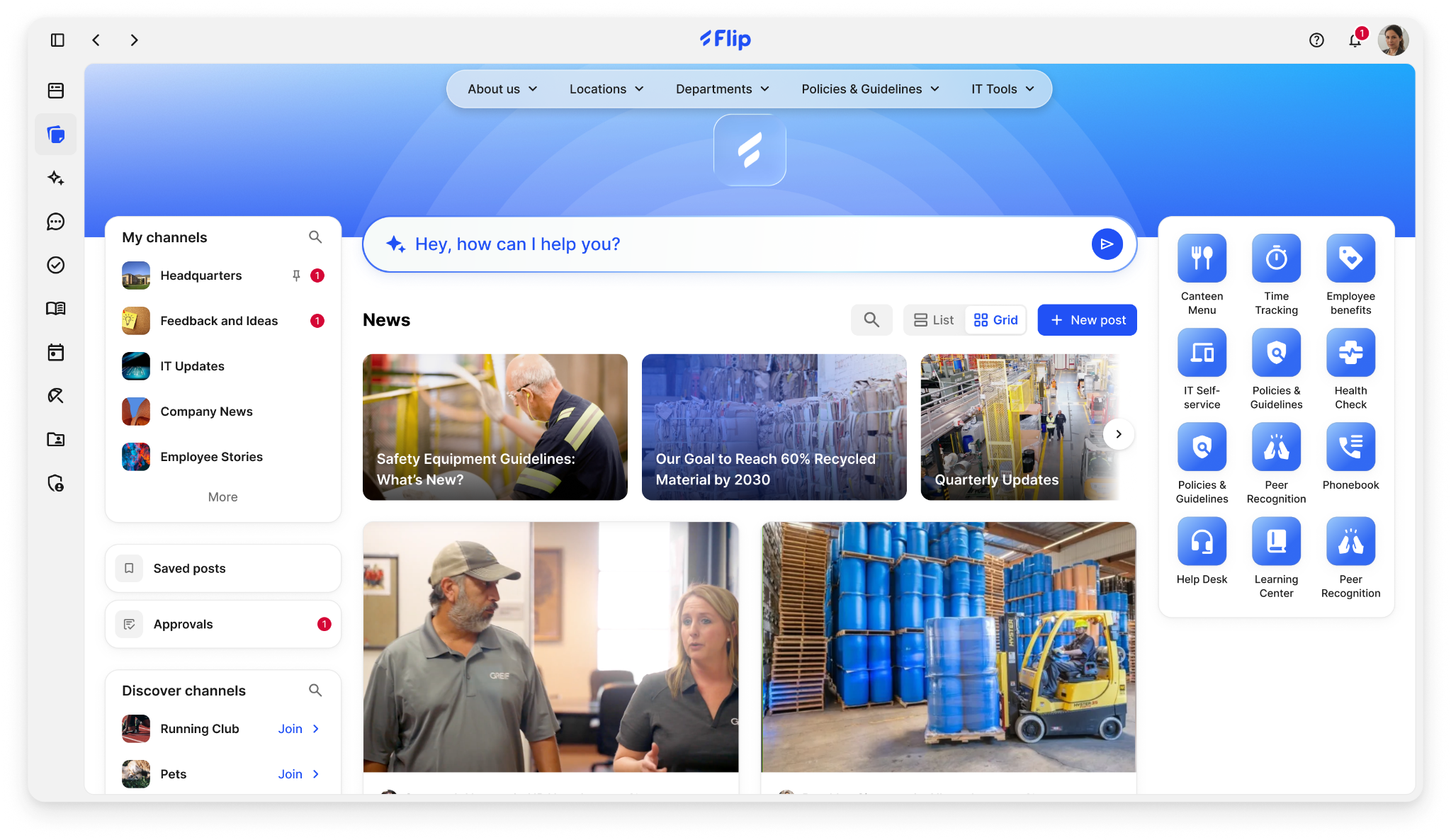
Jen opens her laptop and navigates to Content Studio on Flip
Content Studio
The Content Studio is Jen's command center for all company communications. From here, she can create posts, manage approvals, and schedule content across multiple channels.
Draft Posts
Create and edit content
Schedule
Plan ahead
Channels
Target audiences
AskAI
AI-powered assistance
AI-Powered Writing Assistant
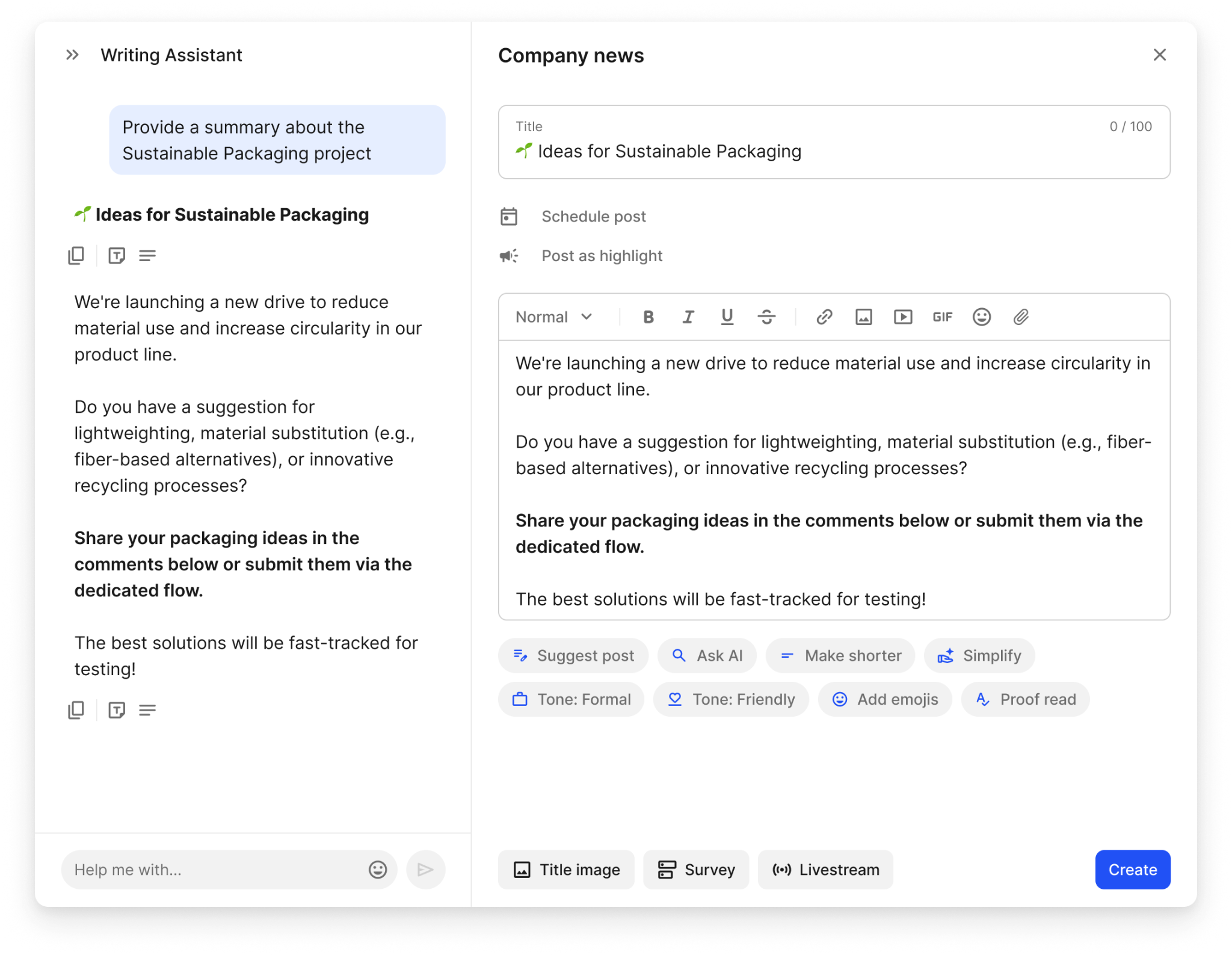
Jen uses AskAI to craft engaging content for her post
Write Smarter, Not Harder
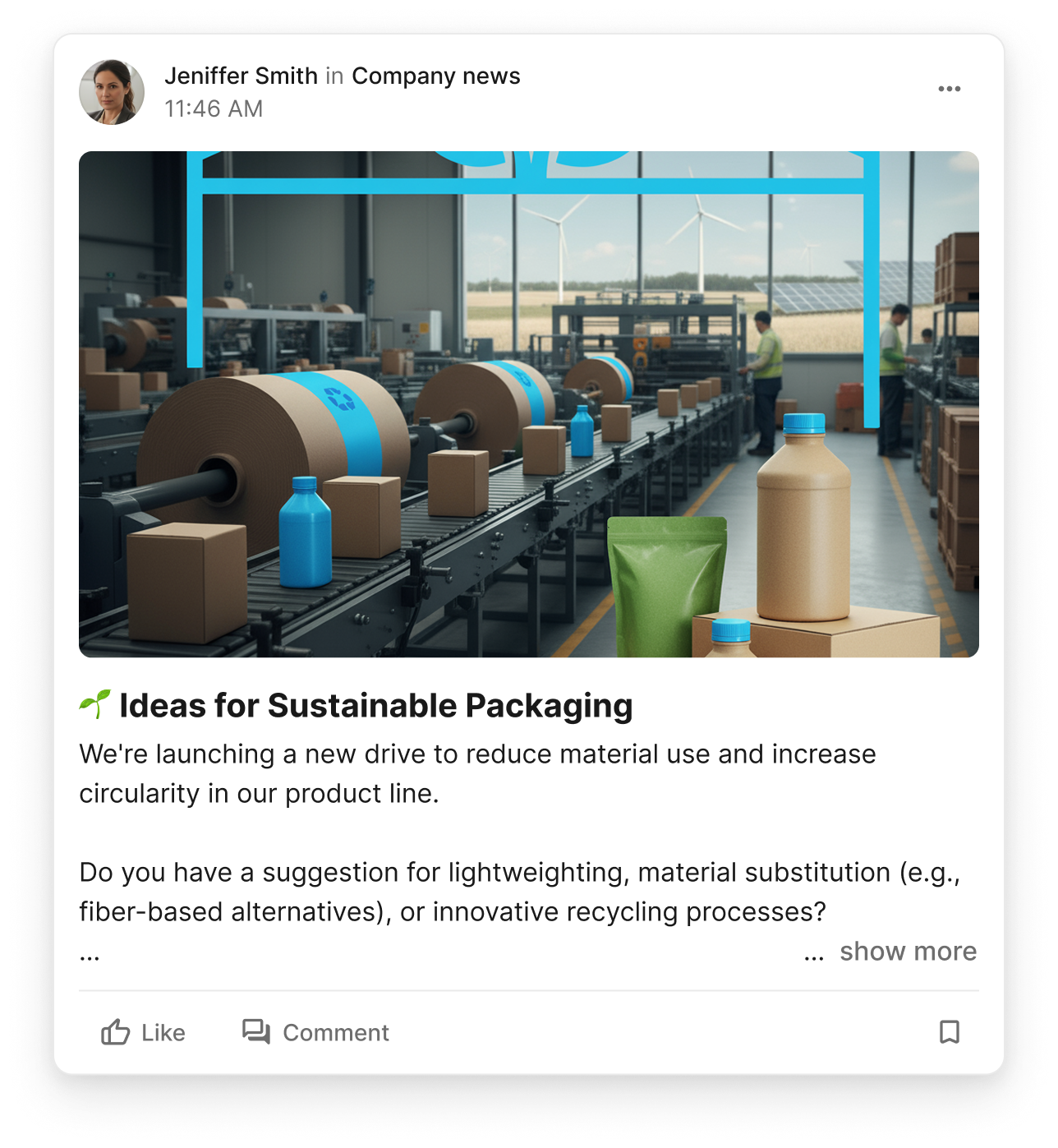
Jen starts drafting a post about the company's sustainable packaging initiative. Using AskAI, she gets suggestions for improving her copy, making it more engaging for frontline workers.
AskAI Suggestions
- Simplified language for frontline readability
- Added compelling headline options
- Suggested relevant hashtags and channels
Quick Sync with Lisa
A colleague messages Jen about updating policies on SharePoint
Chat Conversation
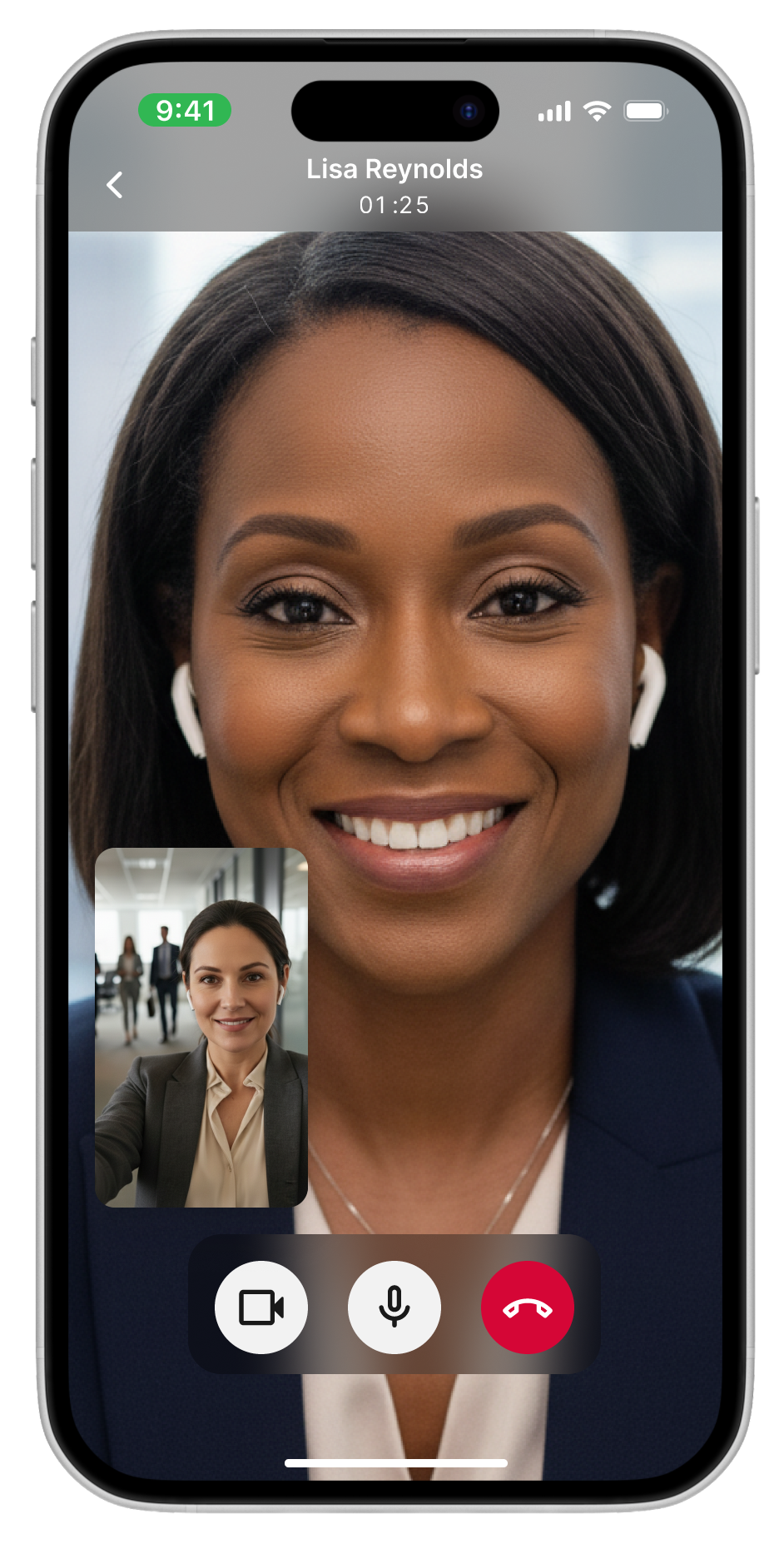
As Jen is walking to a meeting, a colleague messages her on Chat about the new policies they need to update on SharePoint. They suggest jumping on a quick call.
Video Call on Flip
They discuss the policy updates
Jen offers to make the update on SharePoint. Seconds later, she sees it appear on Flip via the SharePoint integration for all frontline staff to access.
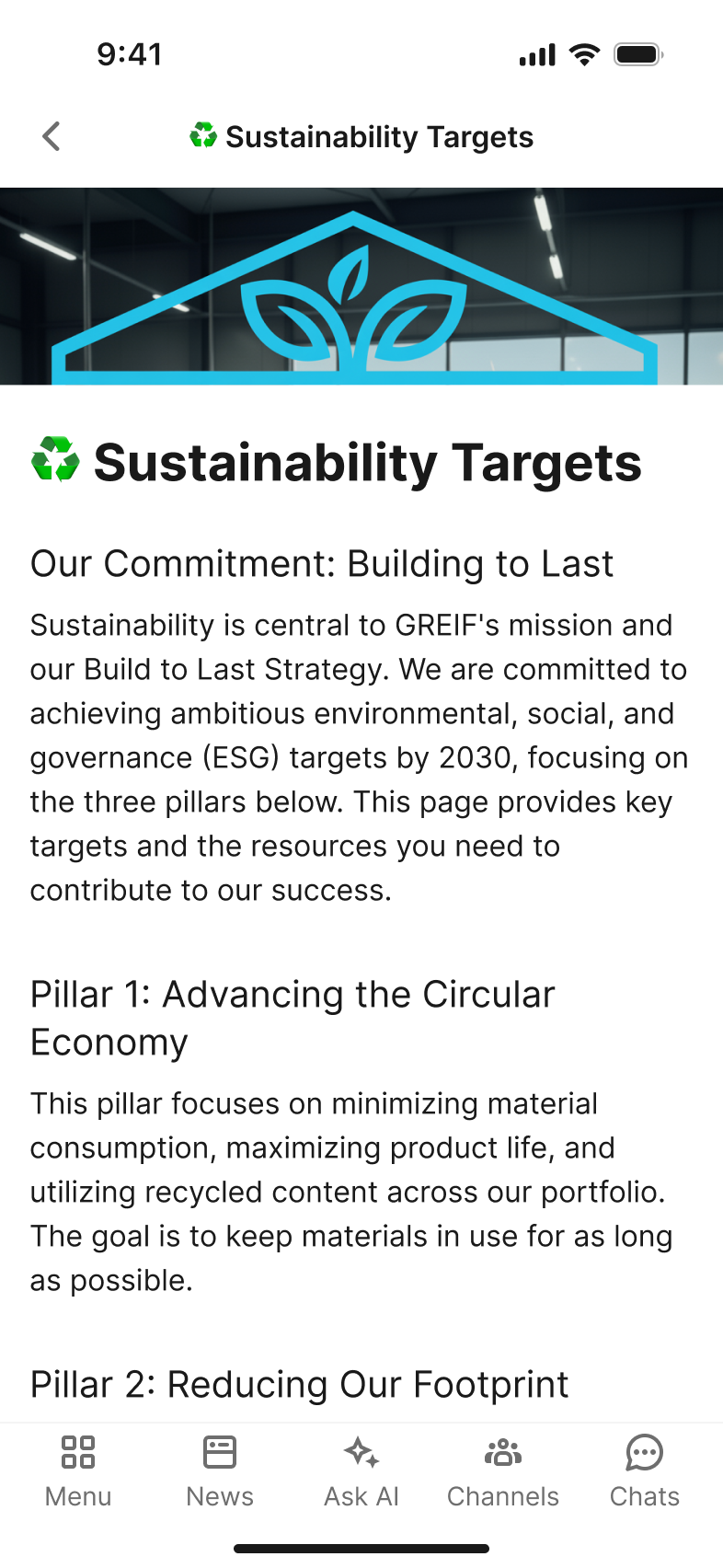
Policy updates sync automatically to Flip's Knowledge Base

Quick Approval on the Go
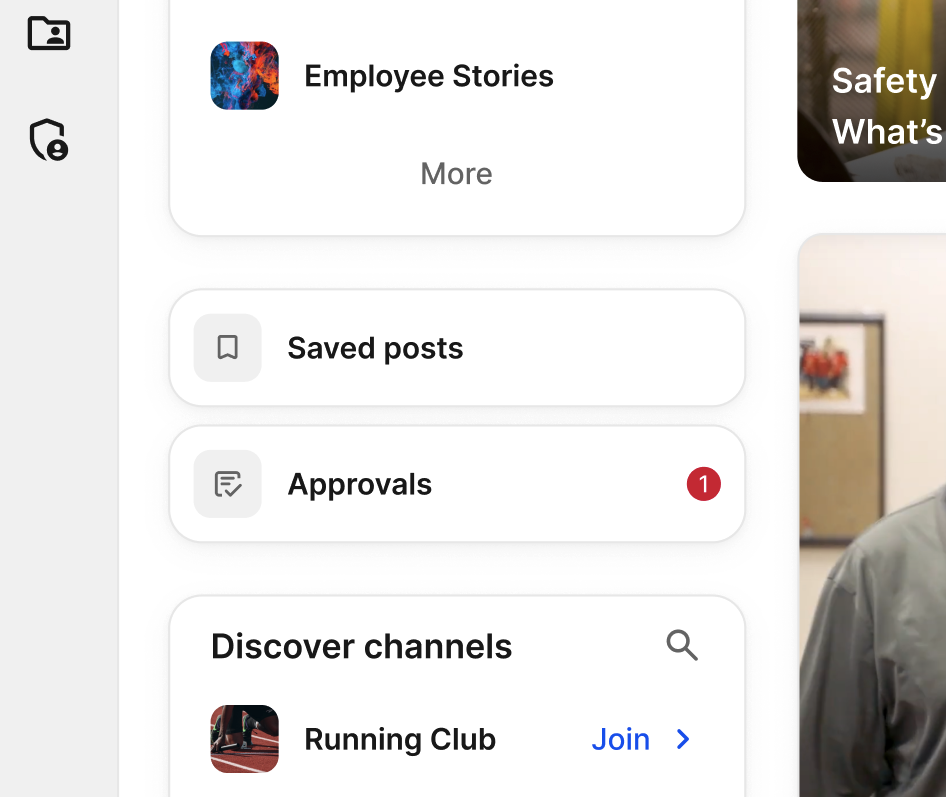
Jen reviews and approves a post submitted to one of the Global News Channels
Jen sees an approval request come in for a post that's been submitted to one of the Global News Channels. She takes a quick look, approves it, and the post goes live instantly.
Approval Workflow
Review Content
Check post details and targeting
Approve & Publish
One tap to go live
News Submissions Flow In
A regional leader submits news via Flip Flows for review
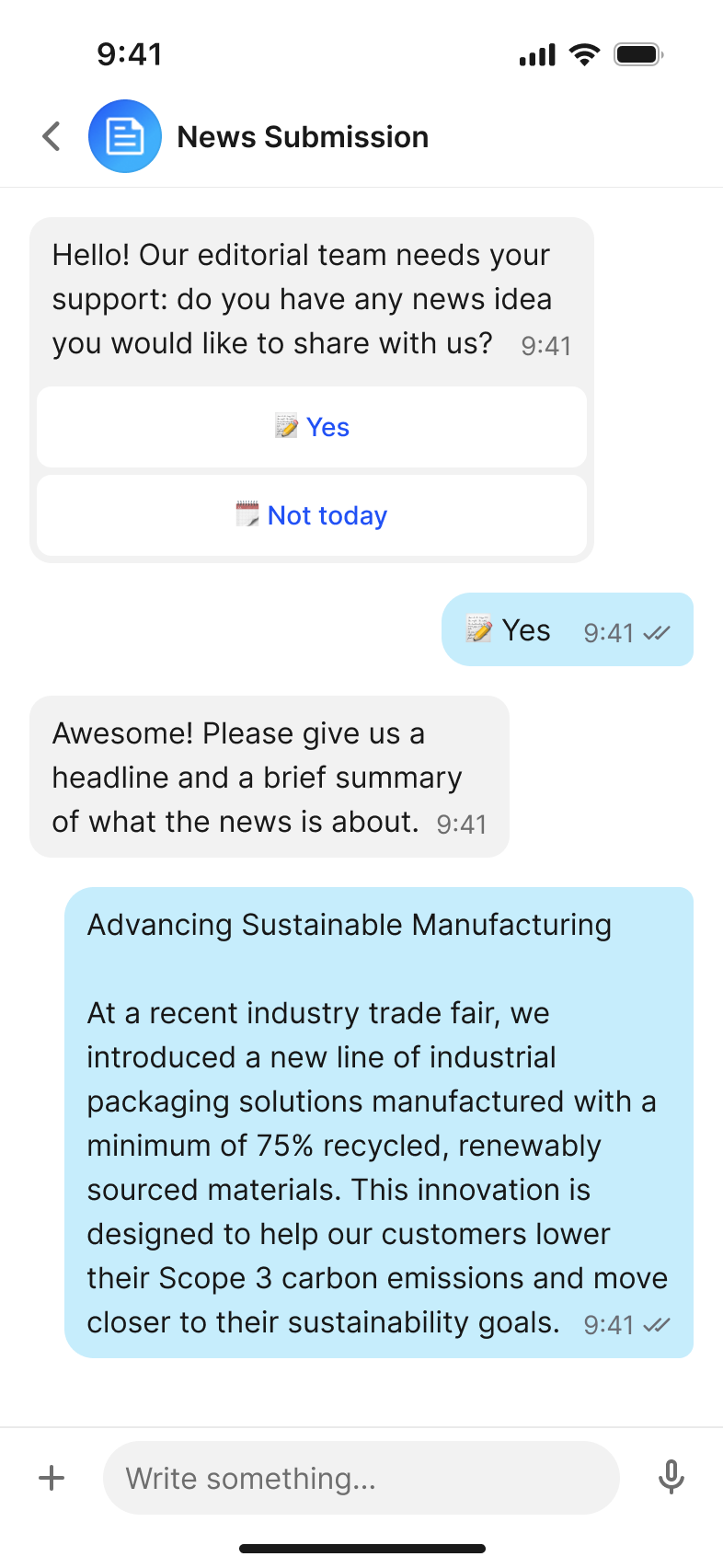
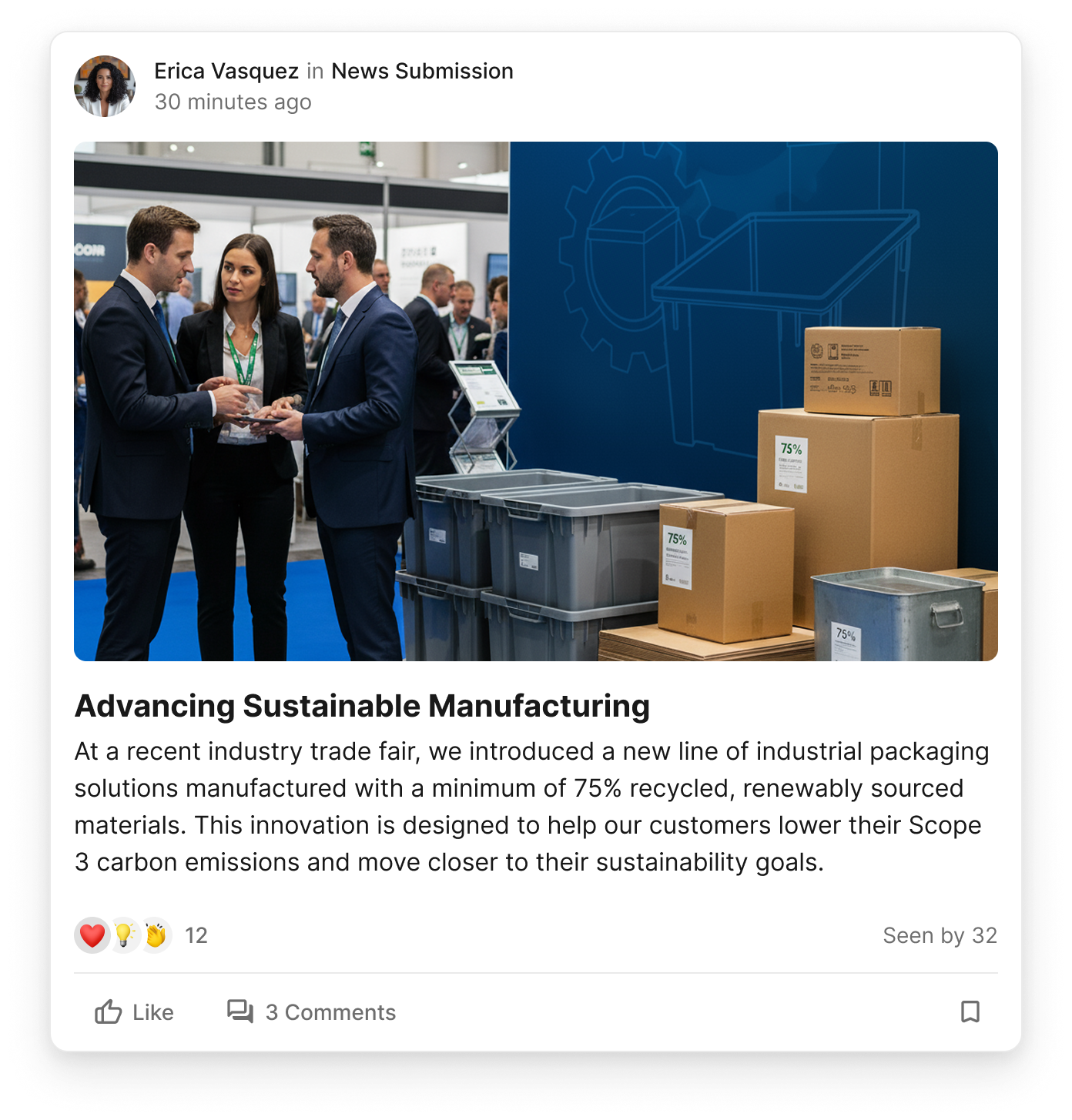
Empowering Everyone to Share
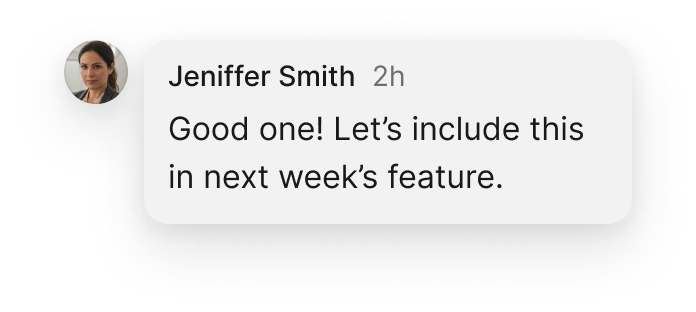
Jen gets a notification that a news submission has come in. A regional leader used the News Submission chatbot to share an update about their team's achievements.
Why Flip Flows?
- Anyone can submit content, no training needed
- Guided conversation ensures complete submissions
- Automatically routes to the right approvers
Helping a Colleague in Need
An Operational Lead reaches out while stuck at the airport

John - Operational Lead
Stuck at airport
The Situation
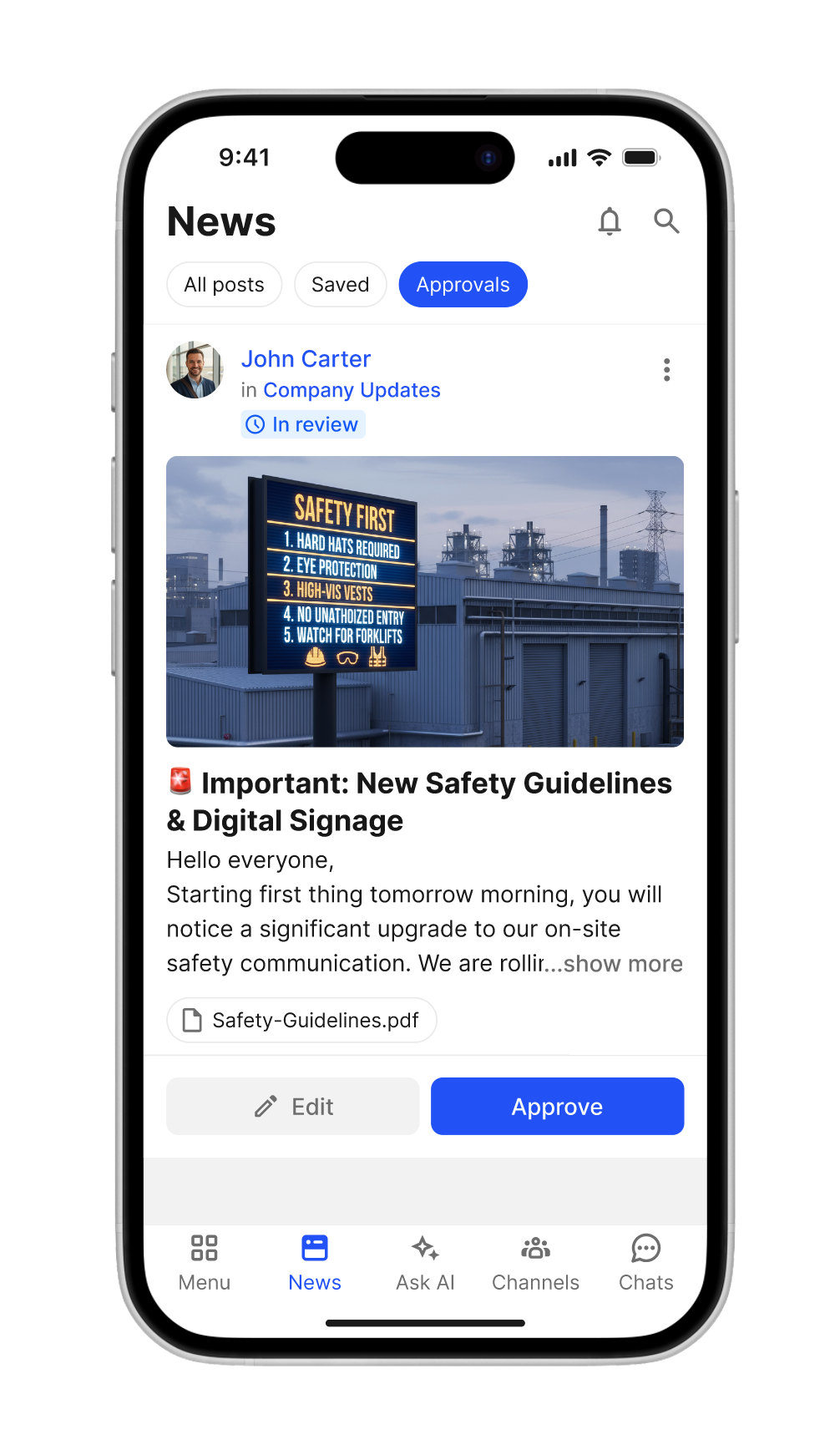
One of the Operational Leads gets in touch. He's stuck at an airport flying back from a manufacturing facility. He needs help alerting teams to the new Safety Guidelines and Digital Signage that will be appearing on site in the morning.
The Solution
Ghost Write
Jen and her team draft the post on John's behalf
Post As Feature
Schedule the draft for John to review and approve
Quick Approval
John reviews and approves from his phone before boarding
Draft Ready for Review
Using the Content Studio, Jen creates the announcement on John's behalf. The "Post as" feature allows her to schedule it as a draft that John can review and approve with one tap - even while waiting to board his flight.
John approves the post from the boarding gate. Teams are alerted on time.
Personal Time
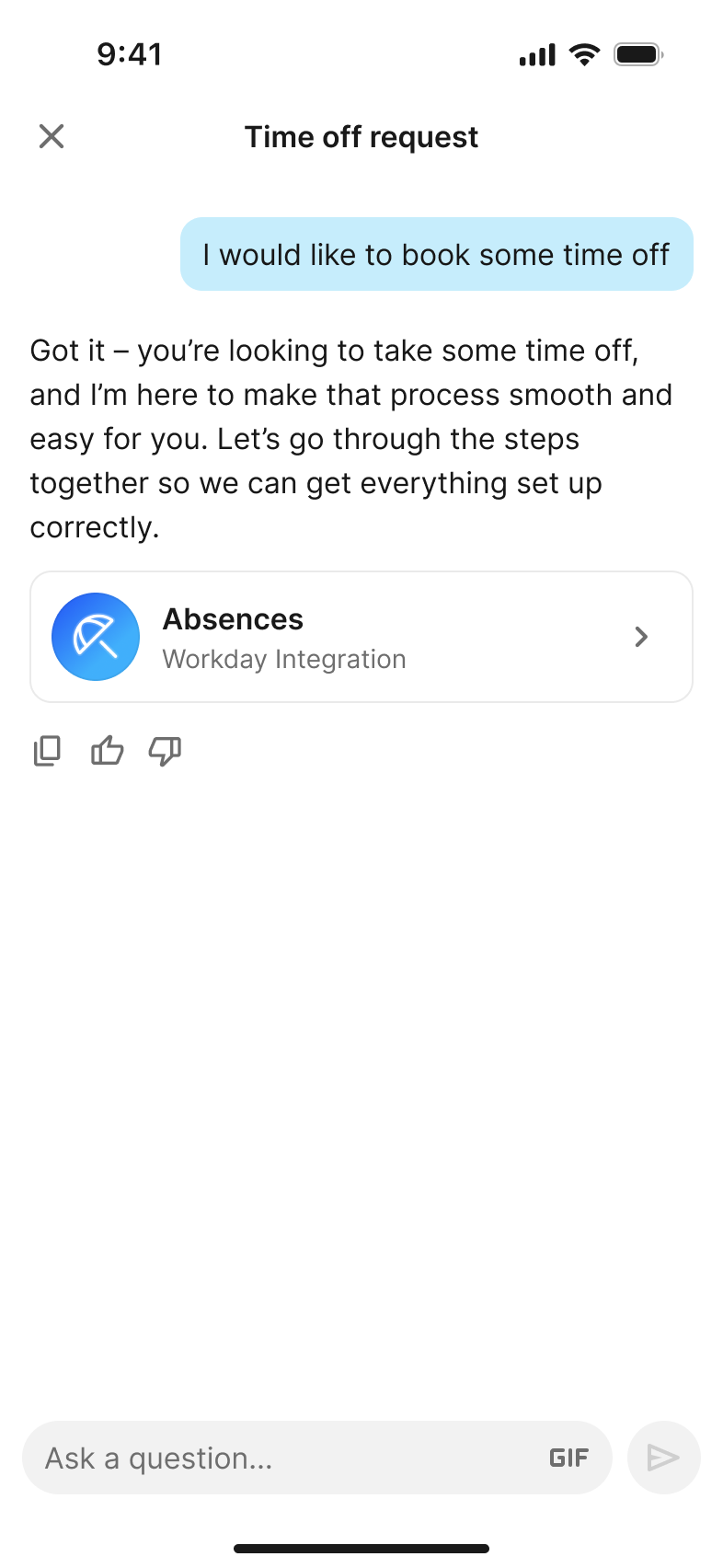
A friend mentions an upcoming trip - Jen uses AskAI to book time off
Work-Life Balance
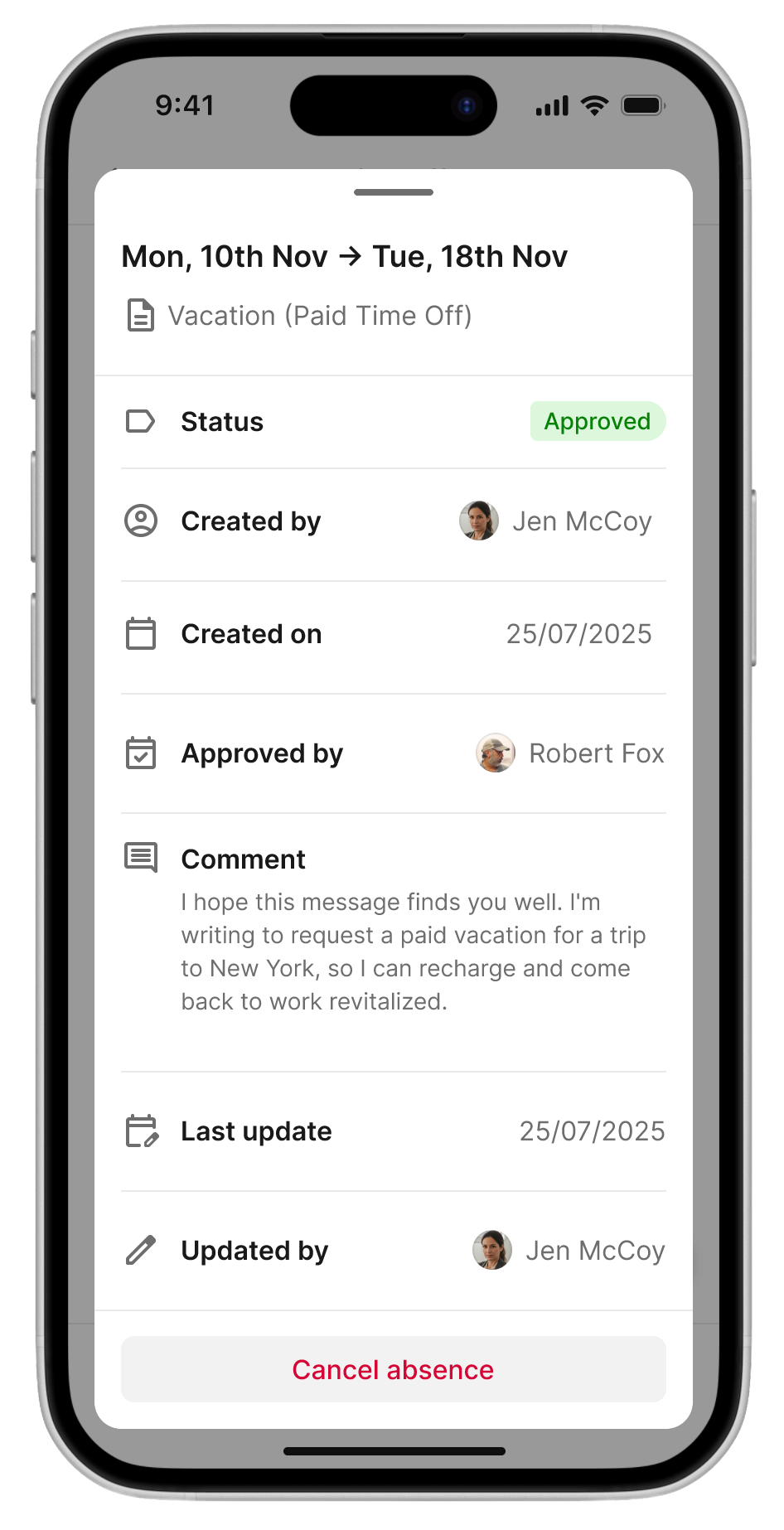
A friend mentions they're heading to NYC for a getaway. Jen decides to join them! Using AskAI, she quickly checks her vacation balance and submits a time-off request through the Workday Mini App integration.
AskAI + Mini Apps
Flip connects to your existing HR systems, making it easy to handle personal tasks without leaving the app.
Content Planner Overview
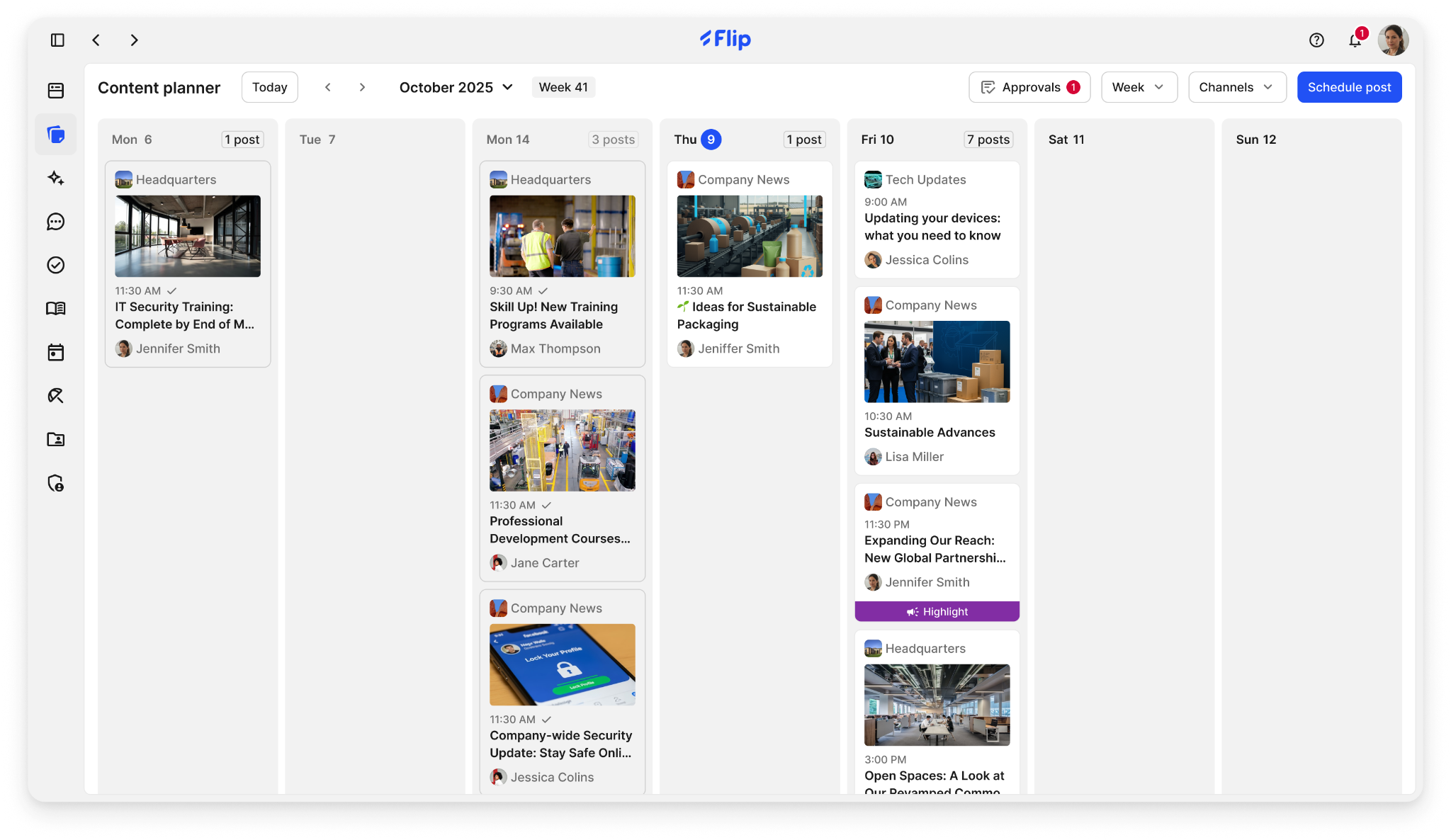
Jen reviews the upcoming week's scheduled posts across all channels
Before wrapping up, Jen navigates back to the Content Planner to get an overview of the posts planned for the upcoming week. She can see all scheduled content across different channels, track pending approvals, and ensure everything is on track.
12
Posts Scheduled
5
Channels Active
1
Pending Approval
8
Team Contributors
This is just the beginning
We've put this together to bring to life how Flip can power your team like never before. What you've seen represents just a few of our initial ideas, but there's so much more we could achieve together.
“Thanks to our employee app, we can easily and quickly reach our employees in Germany digitally - regardless of whether they work in the office or in production.”